Grafana Setup

R
DevOps Engineer
Setting up Grafana in your local environment on AWS EC2
- Launch an EC2 instance:

- Connect to your EC2 instance through SSH
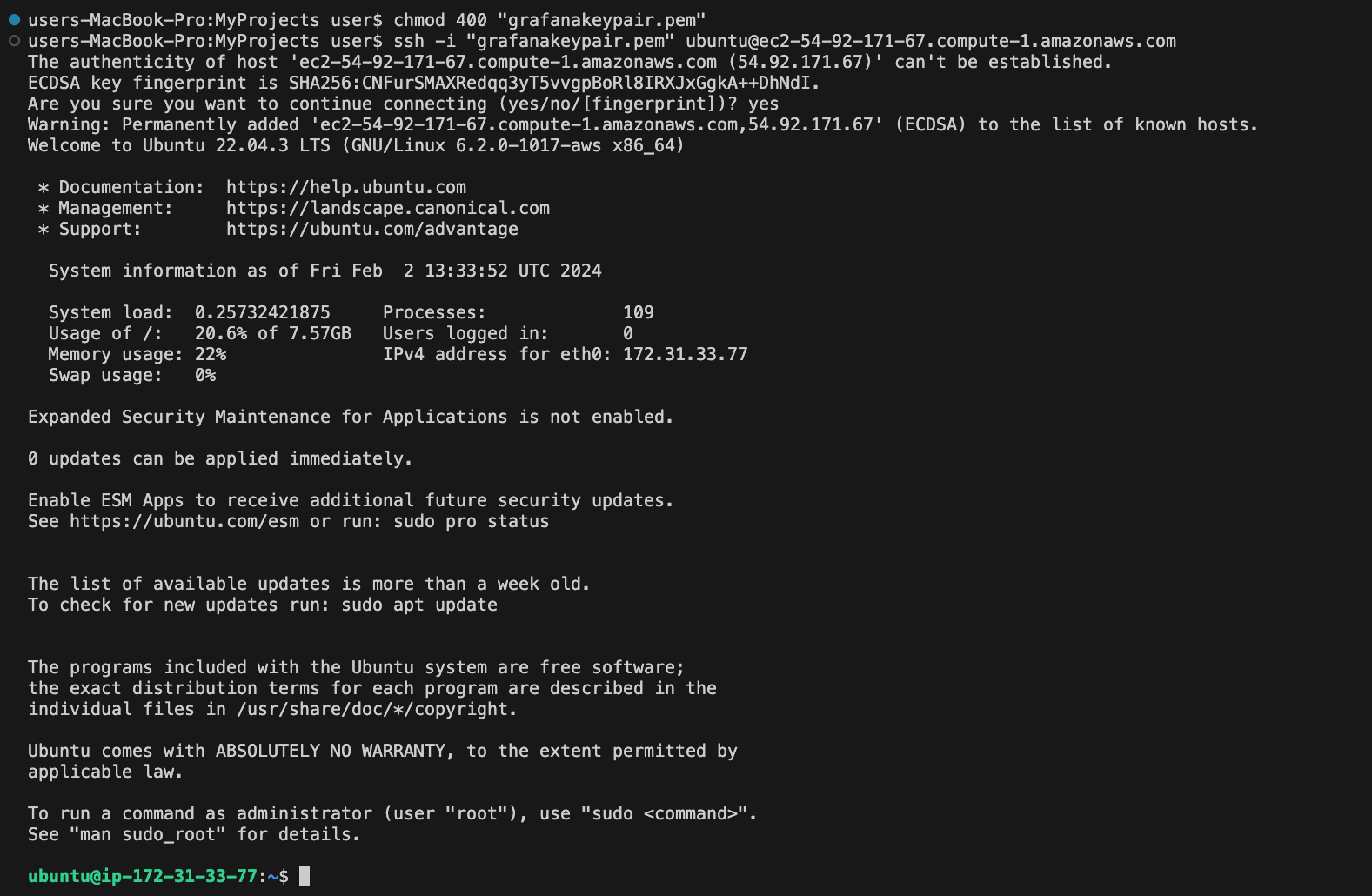
- Update your package list
sudo apt-get update
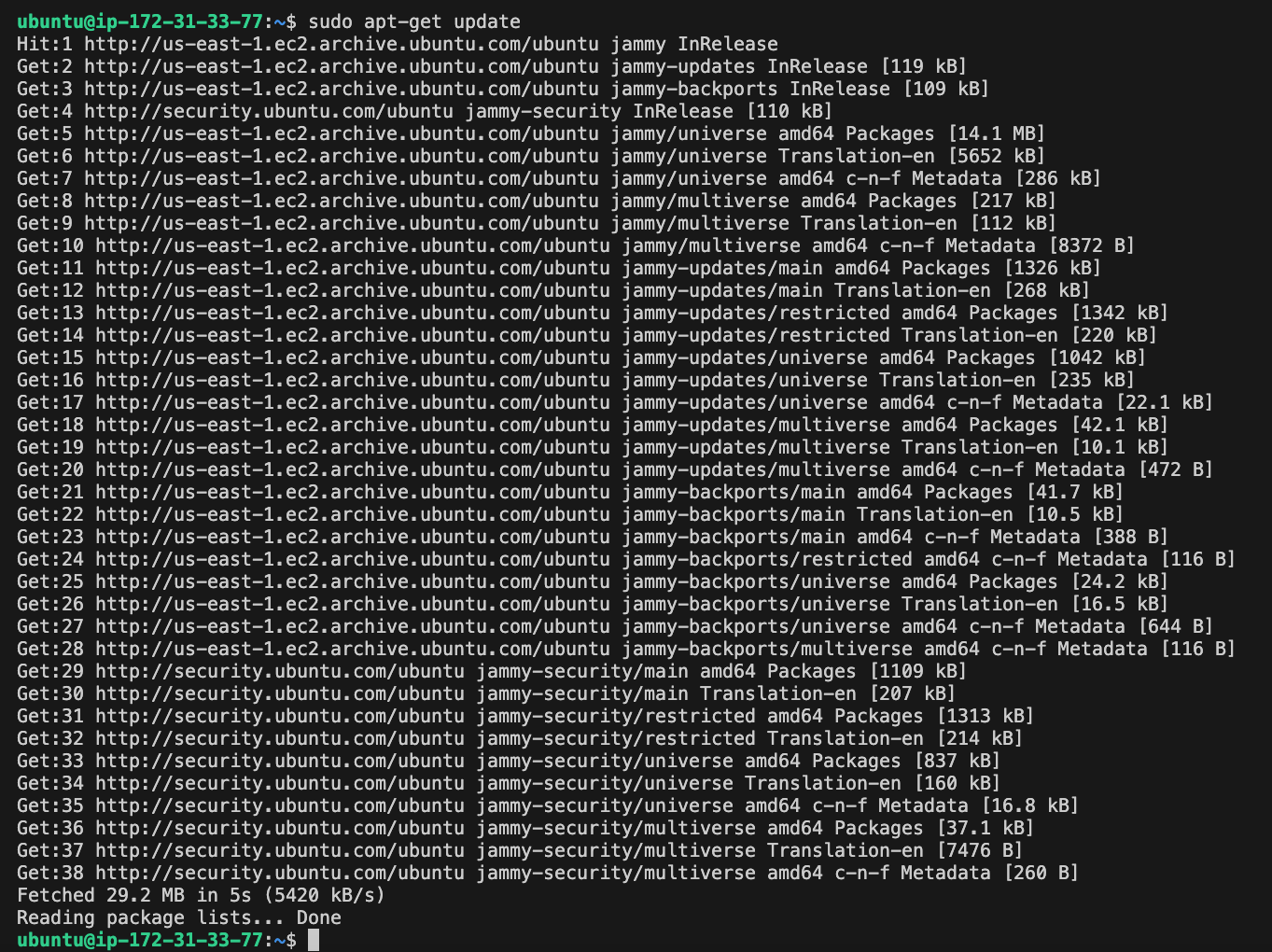
- Install software-properties-common
sudo apt-get install -y software-properties-common
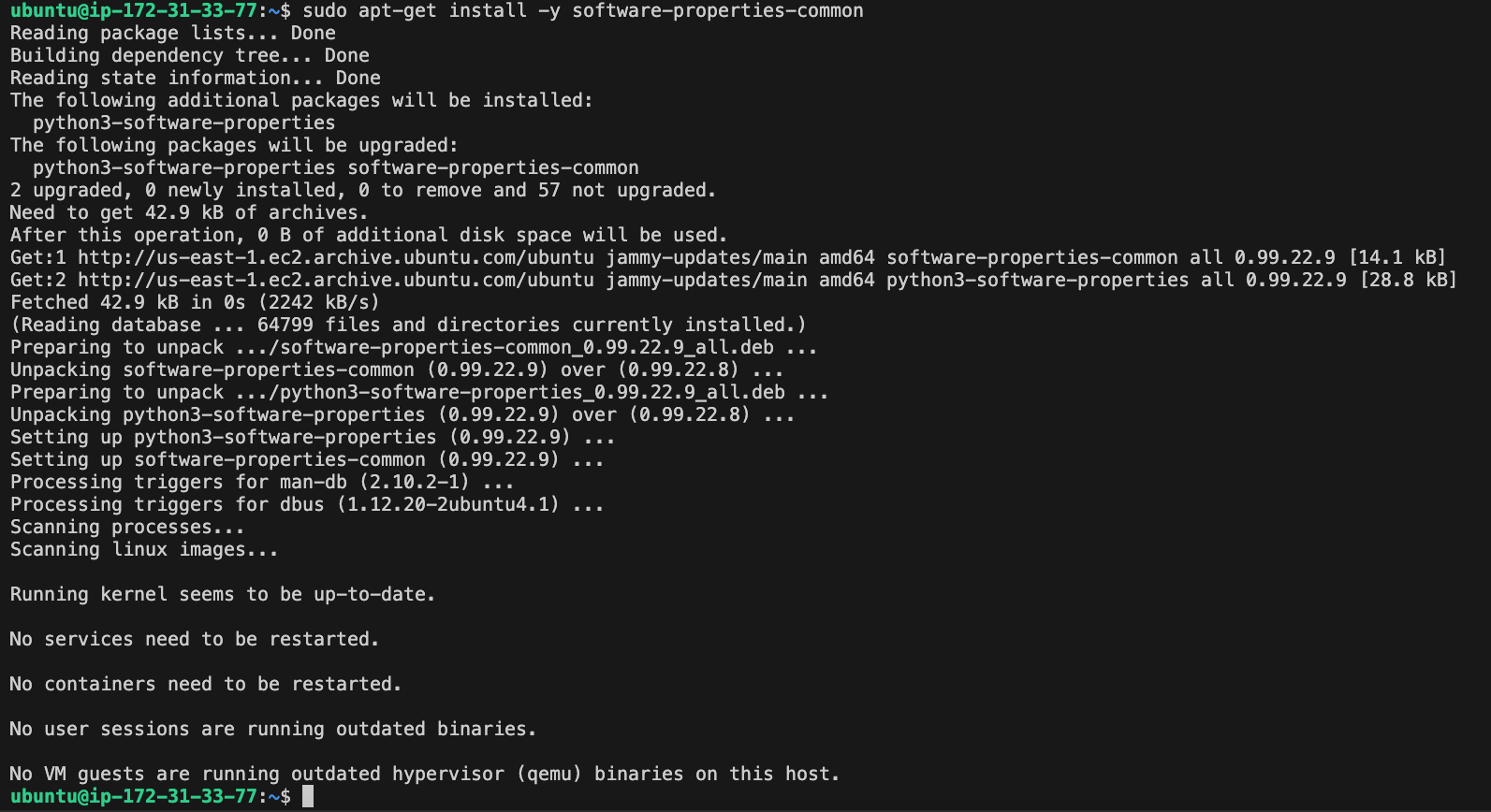
- Download the GPG keys and add them to the trusted keys list.
wget -q -O - https://packages.grafana.com/gpg.key | sudo apt-key add

- Add it to the Grafana repository.
sudo add-apt-repository "deb https://packages.grafana.com/oss/deb stable main"
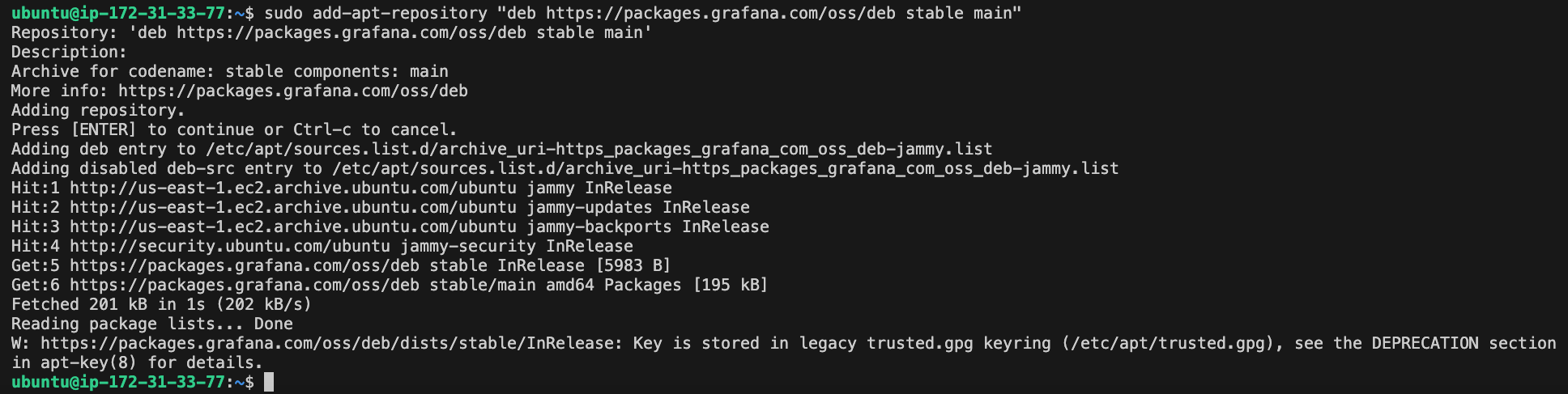
- Then, update and install grafana
sudo apt-get update
sudo apt-get install grafana

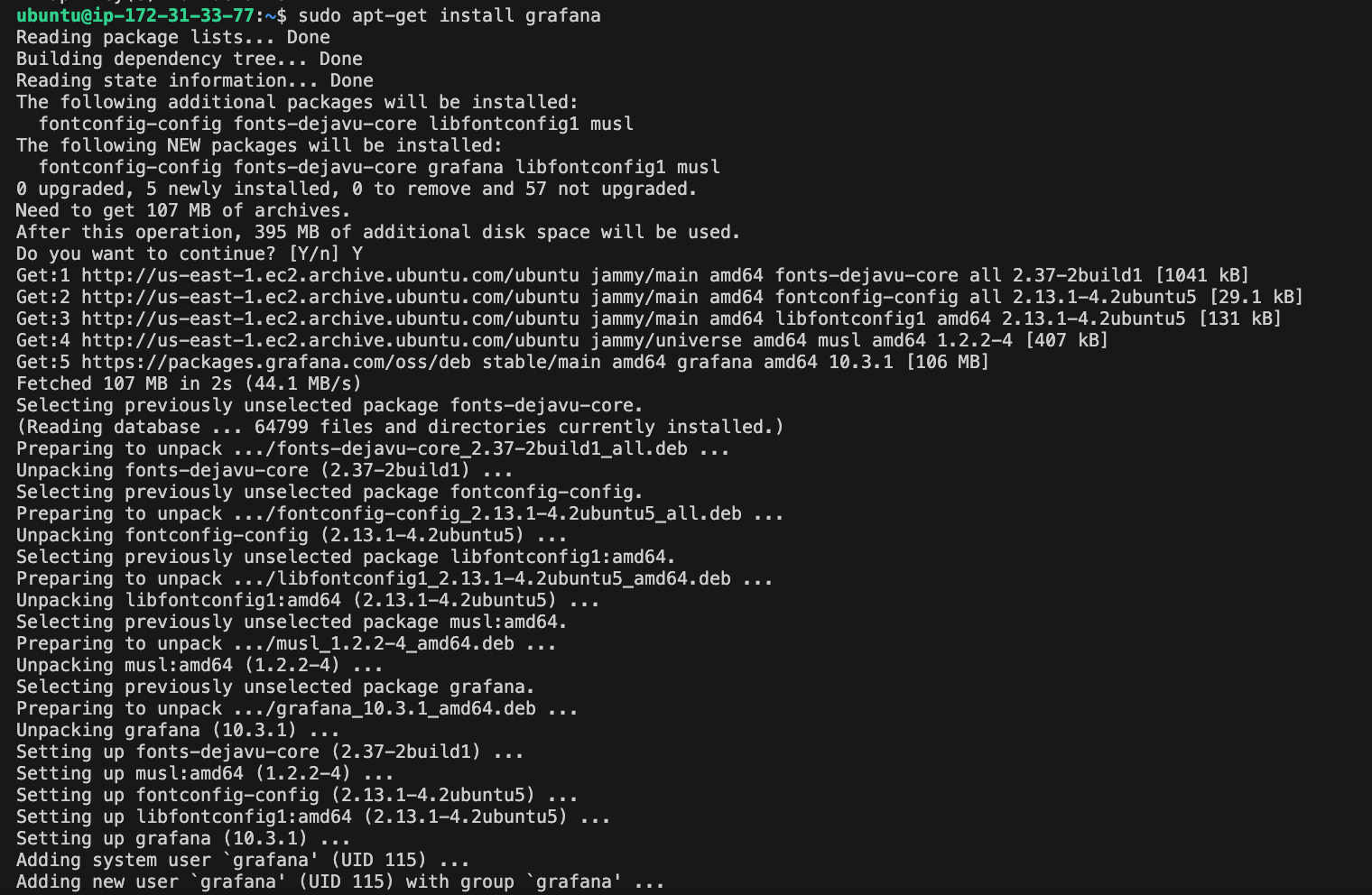
- After installation, enable and start grafana
sudo systemctl enable grafana-server
sudo systemctl start grafana-server


- Check whether grafana is running
sudo systemctl status grafana-server
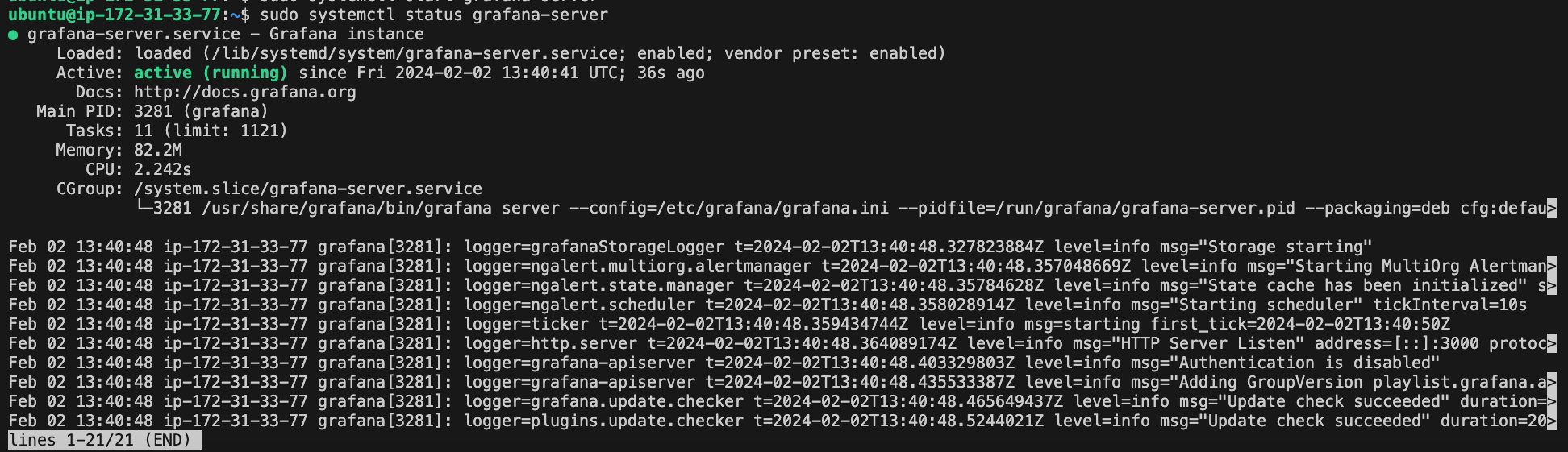
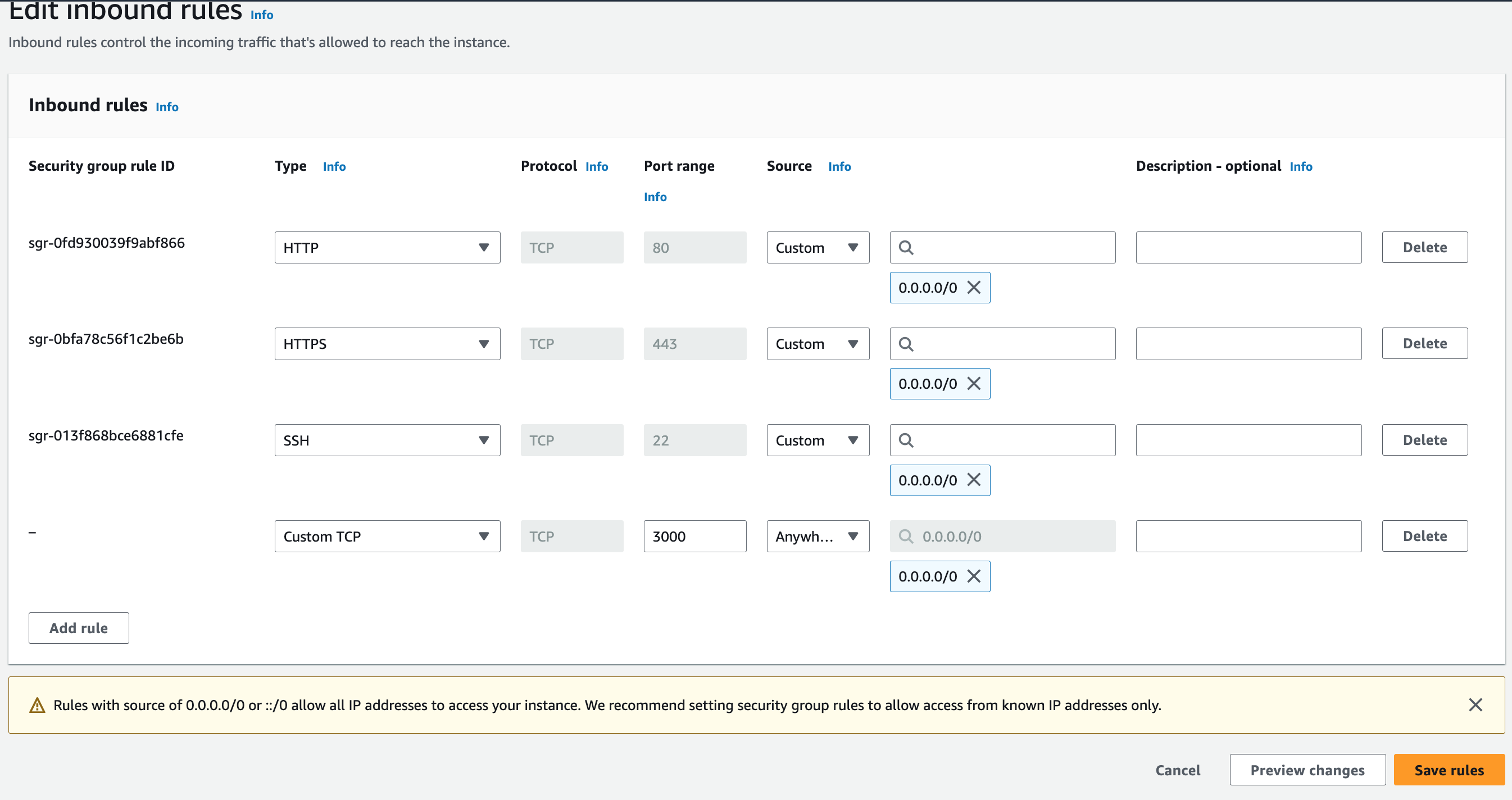
- Configure your security group to allow the inbound rule on port 3000 to access Grafana directly.
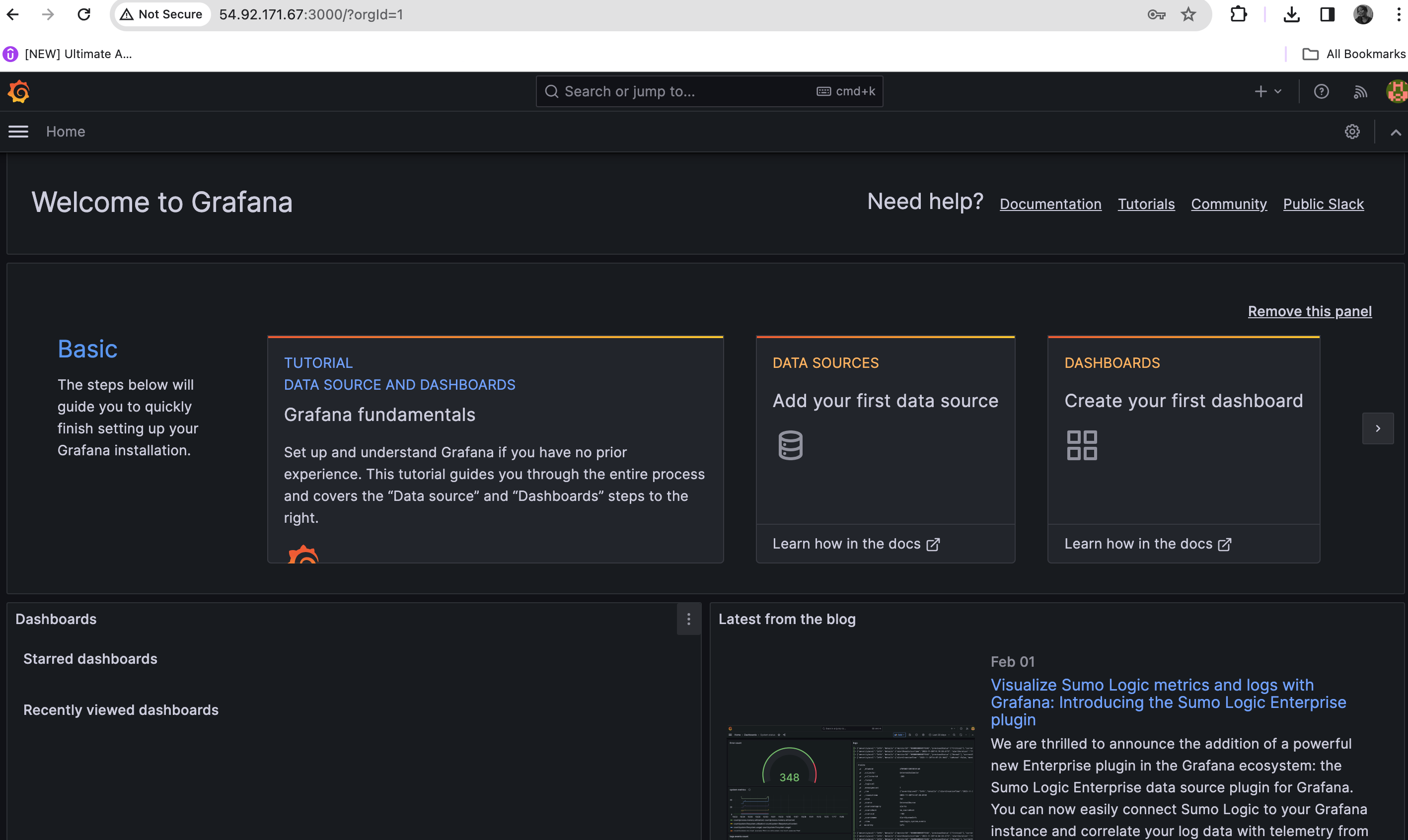
- Navigate to the public url of the EC2 instance, "public URL:3000"
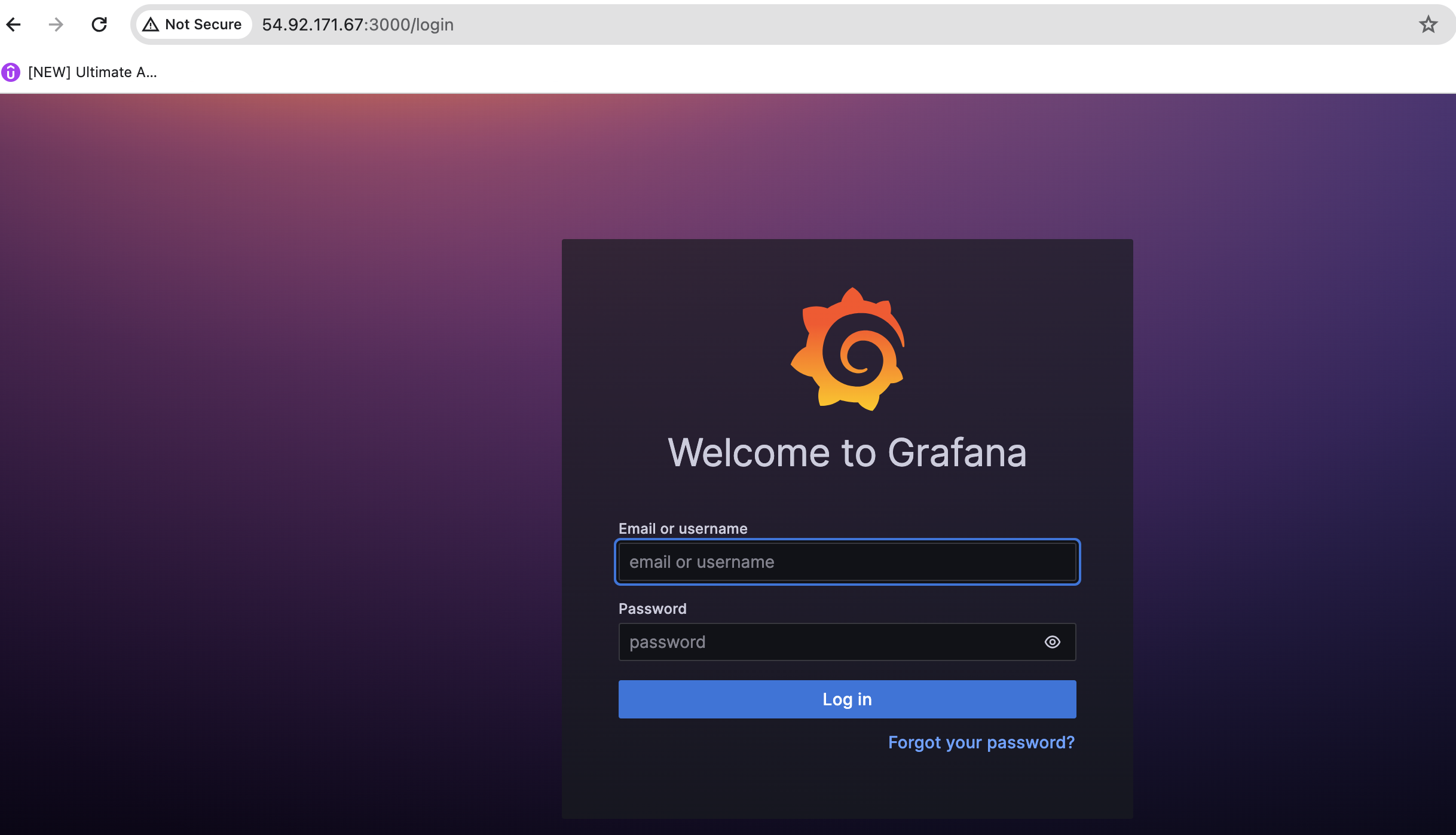
The default login credentials are admin for both the username and password. Upon first login, you will be prompted to change the password.
Thank you.


